Troubleshooting & Support
Quick fixes and support options for issues, listing problems, payment questions, and general help.

🛠️ Troubleshooting & Support
Overview
The Troubleshooting & Support Center is your go-to resource for quick fixes, guidance, and help with any issues related to your VERBAUTO account or business profile.
Whether you’re having trouble with your listing, payment, or onboarding process, our support team is here to help resolve it.
When to Use This Section
You can reach out through the VERBAUTO Support Request Form if you’re experiencing issues such as:
Trouble logging into your business account
Problems submitting or editing your business listing
Payment or billing concerns
Missing images or data on your listing
Confusion about approval or update status
General questions about how VERBAUTO works
No matter what the issue is, our goal is to ensure your experience on VERBAUTO runs smoothly.
How to Submit a Support Request
If you need help, you can request support easily through the VERBAUTO Support Request Form (available in your Help Center or in-app Support menu).
To submit your request:
Visit the Support Request Form
Enter your Business ID (provided in your approval email)
Add your Business Name and Contact Email
Describe your issue or question in detail
Optionally, upload a screenshot or document to help us understand the issue faster
Submit the form and you’ll receive a confirmation message
Once received, our support team will review your request within 24–72 hours and respond via email.
What Happens After You Submit
You’ll receive an automatic confirmation email acknowledging your request.
A team member will review your submission and may contact you for additional details.
Most issues are resolved or responded to within 1–3 business days (24–72 hours) depending on the complexity.
If your issue requires updates to your business listing or account, it will be handled in coordination with our review and approval team.
Common Quick Fixes
Before submitting a request, you may be able to resolve your issue by checking:
Missing updates: Profile changes may take up to 48 hours to appear after approval.
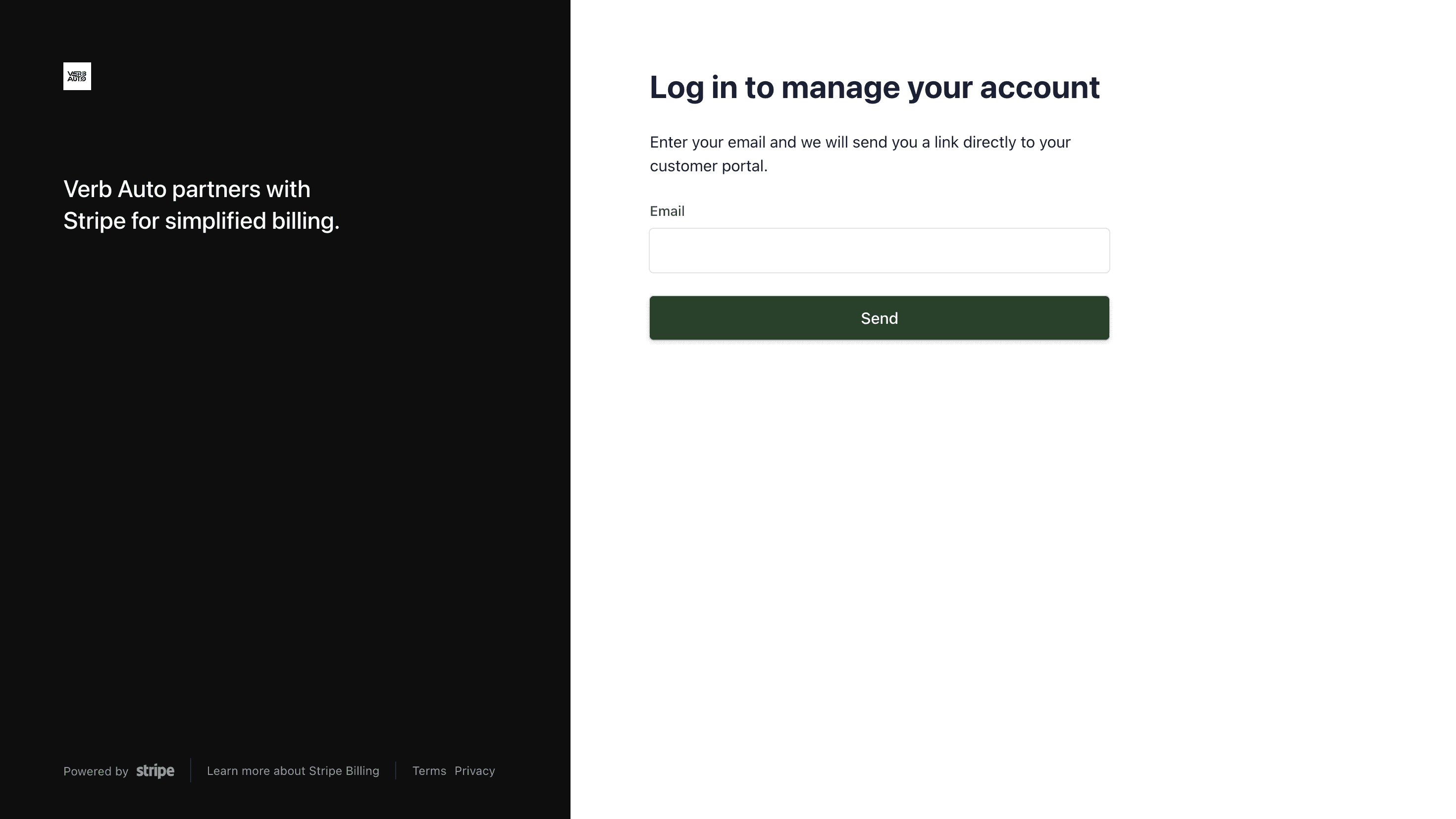
Payment questions: Visit the Billing & Payments section for direct Stripe access and invoice retrieval.
Edit requests: Use the Business Edit Request Form for profile updates.
Support Response Times
Request Type | Estimated Response Time |
|---|---|
General Questions | 24 hours |
Account Access / Login Issues | 24–48 hours |
Billing / Payment Issues | 24–48 hours |
Profile Update Requests | 48–72 hours |
💡 Tip: For the fastest help, include your Business ID and any screenshots related to your issue.
Need Urgent Assistance?
If your issue is urgent or affects customers directly, please note “Urgent” in your subject line or message description.
We’ll prioritize these requests whenever possible.
Contact Information
If you can’t access the support form, you can email us directly at:
📧 support@verbauto.com
Please include:
Your Business ID
Your Business Name
A short description of the issue
Any screenshots or attachments
Our Commitment
At VERBAUTO, we value every partner and business owner in our community.
Our support team is dedicated to providing timely, accurate, and friendly assistance — so you can stay focused on running your business while we handle the details.
🛠️ Troubleshooting & Support
Overview
The Troubleshooting & Support Center is your go-to resource for quick fixes, guidance, and help with any issues related to your VERBAUTO account or business profile.
Whether you’re having trouble with your listing, payment, or onboarding process, our support team is here to help resolve it.
When to Use This Section
You can reach out through the VERBAUTO Support Request Form if you’re experiencing issues such as:
Trouble logging into your business account
Problems submitting or editing your business listing
Payment or billing concerns
Missing images or data on your listing
Confusion about approval or update status
General questions about how VERBAUTO works
No matter what the issue is, our goal is to ensure your experience on VERBAUTO runs smoothly.
How to Submit a Support Request
If you need help, you can request support easily through the VERBAUTO Support Request Form (available in your Help Center or in-app Support menu).
To submit your request:
Visit the Support Request Form
Enter your Business ID (provided in your approval email)
Add your Business Name and Contact Email
Describe your issue or question in detail
Optionally, upload a screenshot or document to help us understand the issue faster
Submit the form and you’ll receive a confirmation message
Once received, our support team will review your request within 24–72 hours and respond via email.
What Happens After You Submit
You’ll receive an automatic confirmation email acknowledging your request.
A team member will review your submission and may contact you for additional details.
Most issues are resolved or responded to within 1–3 business days (24–72 hours) depending on the complexity.
If your issue requires updates to your business listing or account, it will be handled in coordination with our review and approval team.
Common Quick Fixes
Before submitting a request, you may be able to resolve your issue by checking:
Missing updates: Profile changes may take up to 48 hours to appear after approval.
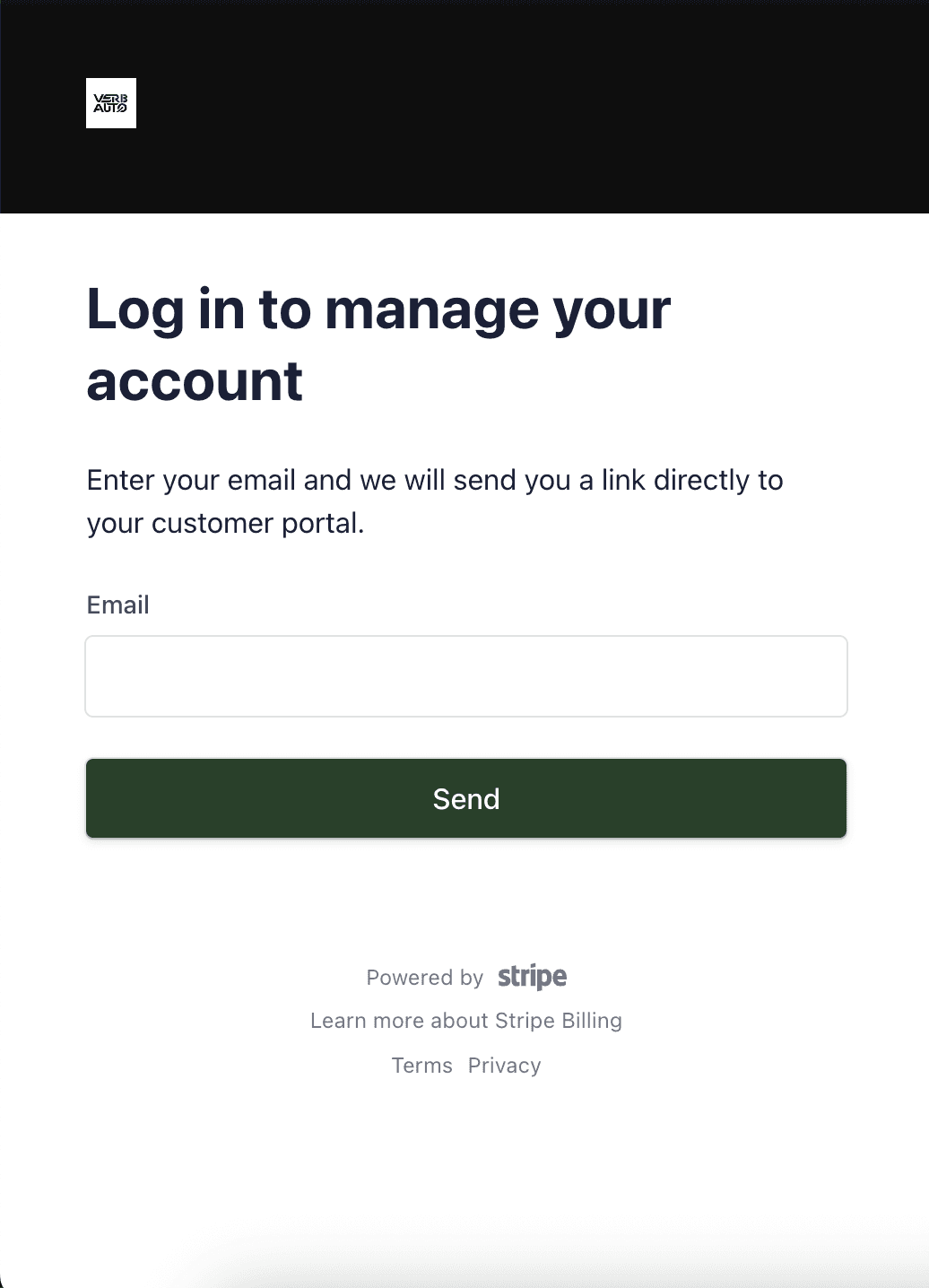
Payment questions: Visit the Billing & Payments section for direct Stripe access and invoice retrieval.
Edit requests: Use the Business Edit Request Form for profile updates.
Support Response Times
Request Type | Estimated Response Time |
|---|---|
General Questions | 24 hours |
Account Access / Login Issues | 24–48 hours |
Billing / Payment Issues | 24–48 hours |
Profile Update Requests | 48–72 hours |
💡 Tip: For the fastest help, include your Business ID and any screenshots related to your issue.
Need Urgent Assistance?
If your issue is urgent or affects customers directly, please note “Urgent” in your subject line or message description.
We’ll prioritize these requests whenever possible.
Contact Information
If you can’t access the support form, you can email us directly at:
📧 support@verbauto.com
Please include:
Your Business ID
Your Business Name
A short description of the issue
Any screenshots or attachments
Our Commitment
At VERBAUTO, we value every partner and business owner in our community.
Our support team is dedicated to providing timely, accurate, and friendly assistance — so you can stay focused on running your business while we handle the details.
🛠️ Troubleshooting & Support
Overview
The Troubleshooting & Support Center is your go-to resource for quick fixes, guidance, and help with any issues related to your VERBAUTO account or business profile.
Whether you’re having trouble with your listing, payment, or onboarding process, our support team is here to help resolve it.
When to Use This Section
You can reach out through the VERBAUTO Support Request Form if you’re experiencing issues such as:
Trouble logging into your business account
Problems submitting or editing your business listing
Payment or billing concerns
Missing images or data on your listing
Confusion about approval or update status
General questions about how VERBAUTO works
No matter what the issue is, our goal is to ensure your experience on VERBAUTO runs smoothly.
How to Submit a Support Request
If you need help, you can request support easily through the VERBAUTO Support Request Form (available in your Help Center or in-app Support menu).
To submit your request:
Visit the Support Request Form
Enter your Business ID (provided in your approval email)
Add your Business Name and Contact Email
Describe your issue or question in detail
Optionally, upload a screenshot or document to help us understand the issue faster
Submit the form and you’ll receive a confirmation message
Once received, our support team will review your request within 24–72 hours and respond via email.
What Happens After You Submit
You’ll receive an automatic confirmation email acknowledging your request.
A team member will review your submission and may contact you for additional details.
Most issues are resolved or responded to within 1–3 business days (24–72 hours) depending on the complexity.
If your issue requires updates to your business listing or account, it will be handled in coordination with our review and approval team.
Common Quick Fixes
Before submitting a request, you may be able to resolve your issue by checking:
Missing updates: Profile changes may take up to 48 hours to appear after approval.
Payment questions: Visit the Billing & Payments section for direct Stripe access and invoice retrieval.
Edit requests: Use the Business Edit Request Form for profile updates.
Support Response Times
Request Type | Estimated Response Time |
|---|---|
General Questions | 24 hours |
Account Access / Login Issues | 24–48 hours |
Billing / Payment Issues | 24–48 hours |
Profile Update Requests | 48–72 hours |
💡 Tip: For the fastest help, include your Business ID and any screenshots related to your issue.
Need Urgent Assistance?
If your issue is urgent or affects customers directly, please note “Urgent” in your subject line or message description.
We’ll prioritize these requests whenever possible.
Contact Information
If you can’t access the support form, you can email us directly at:
📧 support@verbauto.com
Please include:
Your Business ID
Your Business Name
A short description of the issue
Any screenshots or attachments
Our Commitment
At VERBAUTO, we value every partner and business owner in our community.
Our support team is dedicated to providing timely, accurate, and friendly assistance — so you can stay focused on running your business while we handle the details.

