Onboarding & Approvals

Step-by-step guidance to submit your business info, understand the review process, and get approved quickly.
Step 1: Complete Your Business Onboarding Form

Start by submitting your information through the official VERBAUTO Business Onboarding Form.
You’ll provide details such as:

  • Business name and category

  • Description, contact details, and location

  • Logo and gallery images (1–5 photos)

  • Website or social media links

Once submitted, your form enters our internal review queue.

Step 2: Review & Verification

Our team typically completes reviews within 48–72 hours. In some cases, review times may extend to 3–5 business daysdepending on the complexity of your submission.

During the review process, we:

  • Verify your business information

  • Confirm your listing details

  • Ensure your submission meets VERBAUTO’s platform guidelines

After evaluating your onboarding form, you will receive an email with your status update.
You may receive one of the following:

✅ Approved

Your business has been approved and prepared for activation. No further action is required unless we request updates. You will receive a follow-up email once your listing is activated.

⚠️ Needs More Information

We’ll request additional details, missing images, corrections, or verification to complete your review. Once updated, your submission re-enters the review queue.

❌ Not Approved

You will be notified if your submission cannot be approved at this time. Your email will include the reason and next steps if you wish to resubmit.

Step 3: Approval Email & Status Confirmation

Once your business is approved, you will receive an Approval Confirmation Email that includes:

  • Your onboarding status

  • Any remaining steps (if required)

  • Your Unique Business ID

  • Expected activation timeline

There is no payment link and no separate checkout step.
Everything flows directly through approval → activation.

Step 4: Your Business Goes Live

After approval is finalized, your business listing will be activated on VERBAUTO.
Once activated, your listing becomes:

  • Visible in the VERBAUTO app and directory

  • Searchable in your category

  • Ready to receive customer views and inquiries

You’ll receive an email confirming that your profile is now live.

Step 5: Managing Your Account

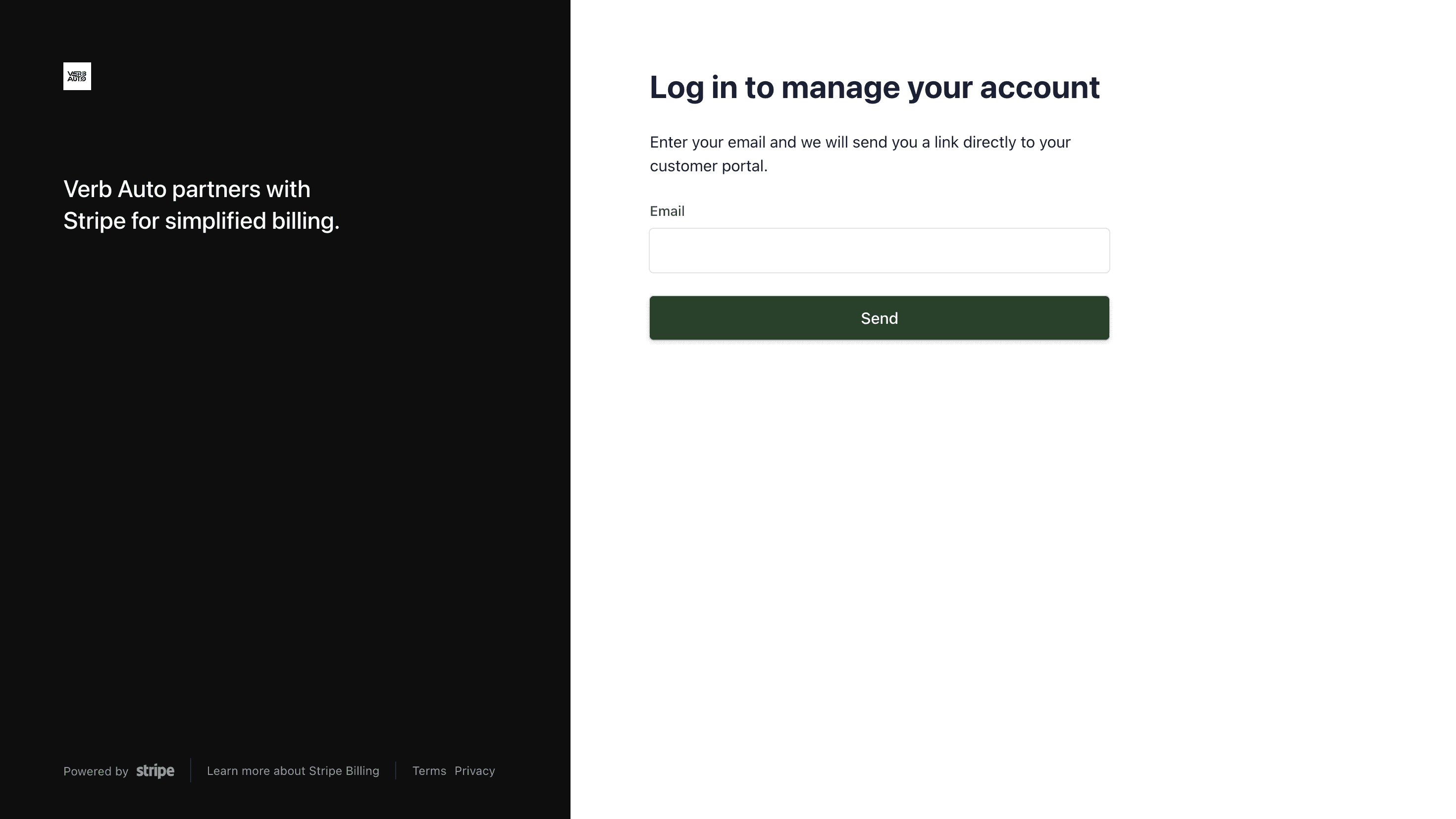
You can access, edit, and update your business details at any time through your Account & Profile section.

From there, you can:

  • Update your description, images, links, and contact information

  • Adjust your business category or service details

  • Track visibility and engagement

  • Pause or request support for your listing

💡 Tips for a Smooth Approval

  • Double-check that your email and phone number are correct

  • Upload at least one logo and one clear business image

  • Provide a short, clear description (what you do + what makes you unique)

  • Ensure your website or social links are active
Step 1: Complete Your Business Onboarding Form

Start by submitting your information through the official VERBAUTO Business Onboarding Form.
You’ll provide details such as:

  • Business name and category

  • Description, contact details, and location

  • Logo and gallery images (1–5 photos)

  • Website or social media links

Once submitted, your form enters our internal review queue.

Step 2: Review & Verification

Our team typically completes reviews within 48–72 hours. In some cases, review times may extend to 3–5 business daysdepending on the complexity of your submission.

During the review process, we:

  • Verify your business information

  • Confirm your listing details

  • Ensure your submission meets VERBAUTO’s platform guidelines

After evaluating your onboarding form, you will receive an email with your status update.
You may receive one of the following:

✅ Approved

Your business has been approved and prepared for activation. No further action is required unless we request updates. You will receive a follow-up email once your listing is activated.

⚠️ Needs More Information

We’ll request additional details, missing images, corrections, or verification to complete your review. Once updated, your submission re-enters the review queue.

❌ Not Approved

You will be notified if your submission cannot be approved at this time. Your email will include the reason and next steps if you wish to resubmit.

Step 3: Approval Email & Status Confirmation

Once your business is approved, you will receive an Approval Confirmation Email that includes:

  • Your onboarding status

  • Any remaining steps (if required)

  • Your Unique Business ID

  • Expected activation timeline

There is no payment link and no separate checkout step.
Everything flows directly through approval → activation.

Step 4: Your Business Goes Live

After approval is finalized, your business listing will be activated on VERBAUTO.
Once activated, your listing becomes:

  • Visible in the VERBAUTO app and directory

  • Searchable in your category

  • Ready to receive customer views and inquiries

You’ll receive an email confirming that your profile is now live.

Step 5: Managing Your Account

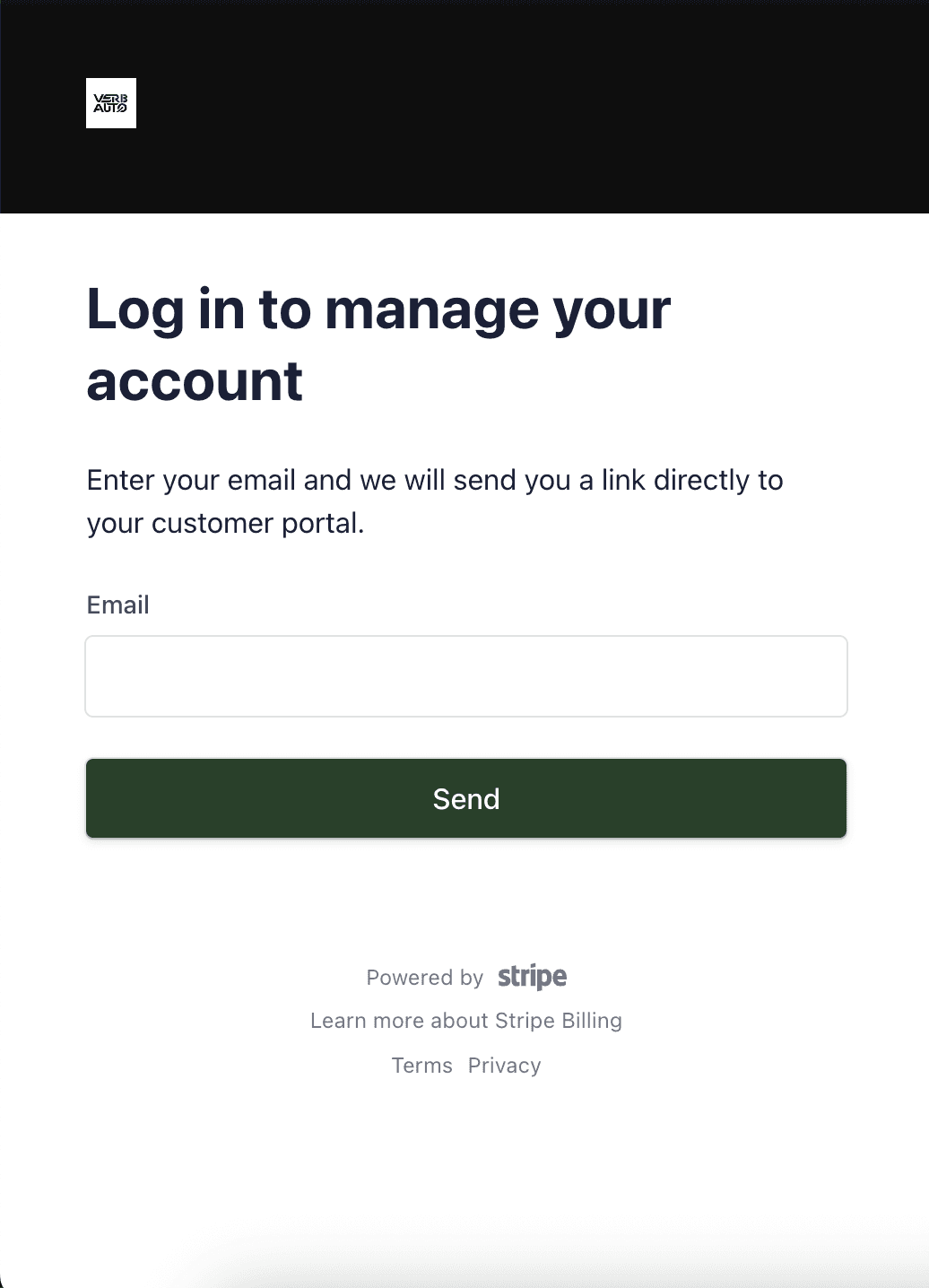
You can access, edit, and update your business details at any time through your Account & Profile section.

From there, you can:

  • Update your description, images, links, and contact information

  • Adjust your business category or service details

  • Track visibility and engagement

  • Pause or request support for your listing

💡 Tips for a Smooth Approval

  • Double-check that your email and phone number are correct

  • Upload at least one logo and one clear business image

  • Provide a short, clear description (what you do + what makes you unique)

  • Ensure your website or social links are active

Step 1: Complete Your Business Onboarding Form

Start by submitting your information through the official VERBAUTO Business Onboarding Form.
You’ll provide details such as:

  • Business name and category

  • Description, contact details, and location

  • Logo and gallery images (1–5 photos)

  • Website or social media links

Once submitted, your form enters our internal review queue.

Step 2: Review & Verification

Our team typically completes reviews within 48–72 hours. In some cases, review times may extend to 3–5 business daysdepending on the complexity of your submission.

During the review process, we:

  • Verify your business information

  • Confirm your listing details

  • Ensure your submission meets VERBAUTO’s platform guidelines

After evaluating your onboarding form, you will receive an email with your status update.
You may receive one of the following:

✅ Approved

Your business has been approved and prepared for activation. No further action is required unless we request updates. You will receive a follow-up email once your listing is activated.

⚠️ Needs More Information

We’ll request additional details, missing images, corrections, or verification to complete your review. Once updated, your submission re-enters the review queue.

❌ Not Approved

You will be notified if your submission cannot be approved at this time. Your email will include the reason and next steps if you wish to resubmit.

Step 3: Approval Email & Status Confirmation

Once your business is approved, you will receive an Approval Confirmation Email that includes:

  • Your onboarding status

  • Any remaining steps (if required)

  • Your Unique Business ID

  • Expected activation timeline

There is no payment link and no separate checkout step.
Everything flows directly through approval → activation.

Step 4: Your Business Goes Live

After approval is finalized, your business listing will be activated on VERBAUTO.
Once activated, your listing becomes:

  • Visible in the VERBAUTO app and directory

  • Searchable in your category

  • Ready to receive customer views and inquiries

You’ll receive an email confirming that your profile is now live.

Step 5: Managing Your Account

You can access, edit, and update your business details at any time through your Account & Profile section.

From there, you can:

  • Update your description, images, links, and contact information

  • Adjust your business category or service details

  • Track visibility and engagement

  • Pause or request support for your listing

💡 Tips for a Smooth Approval

  • Double-check that your email and phone number are correct

  • Upload at least one logo and one clear business image

  • Provide a short, clear description (what you do + what makes you unique)

  • Ensure your website or social links are active

2025 © ALL RIGHTS RESERVED

2025 © ALL RIGHTS RESERVED

2025 © ALL RIGHTS RESERVED